
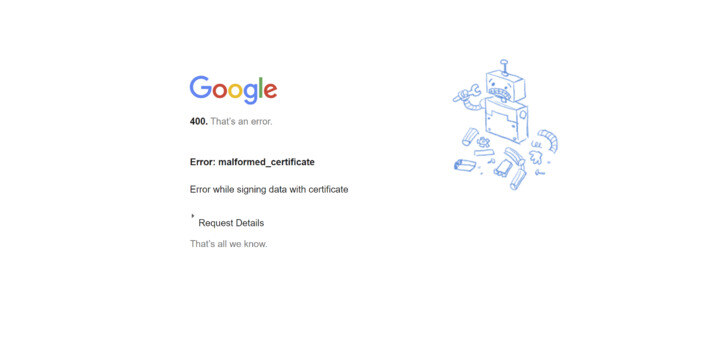
Cause
This error usually occurs for one of two reasons:
-
The certificate is expired.
-
The certificate was pasted incorrectly (missing characters, extra spaces, or line breaks).
Resolution
-
Confirm the certificate is still valid and not expired.
-
Re-copy the certificate from the source and paste it again, ensuring:
-
No extra spaces or characters
-
The full certificate block is included
-
Line breaks are preserved as required
-
-
If you have no way of logging in, try logging in with email and password.
-
If you don’t have a password, select Forgot my password to create one.
-
If Enforce SSO is turned on, contact support@wizer-training.com to have Enforce SSO disabled so you can log in and update the certificate.
-
Retry after updating the certificate.
If you run into any issues feel free to reach out to support@wizer-training.com